# Node Operations
## Manage core services
This section provides a low-level explanation of how the services work, which is essential for debugging, even if the infrastructure is built using Kubernetes (K8s). Kubernetes also utilizes these methods under the hood.
{% hint style="info" %}
For deployment and management using Kubernetes (K8s), refer to this [link](https://www.notion.so/Thanos-stack-deployment-guide-9bcebd1c1c934d90babeae36370e14b5?pvs=21)
{% endhint %}
To ensure proper operation, the nodes must be started in the order specified in this document and shut down in the reverse order:
* [op-geth](https://www.notion.so/Node-operations-161d96a400a380c29899c6e1fc3b0d44?pvs=21)
* [op-node](https://www.notion.so/Node-operations-161d96a400a380c29899c6e1fc3b0d44?pvs=21)
* [op-proposer](https://www.notion.so/Node-operations-161d96a400a380c29899c6e1fc3b0d44?pvs=21)
* [op-batcher](https://www.notion.so/Node-operations-161d96a400a380c29899c6e1fc3b0d44?pvs=21)
* [op-challenger](https://www.notion.so/Node-operations-161d96a400a380c29899c6e1fc3b0d44?pvs=21)
### op-geth
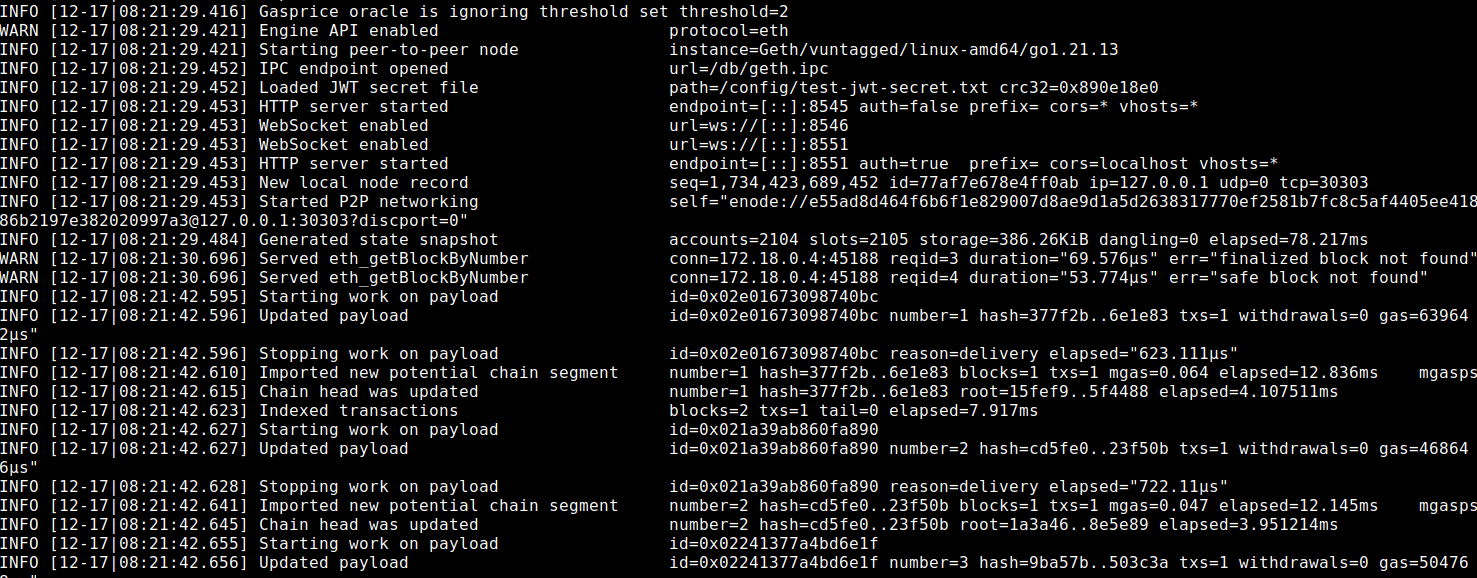
* Start up the node
* Archive Mode: It is crucial to run the op-geth node in archive mode using the `-gcmode` flag. Archive mode enables recording all historical data at any block number, which is particularly useful for recovery in case of issues.
* WebSocket Support: Use the `—ws` flag to enable WebSocket. This allows DApps to listen for events on the L2 network.
```bash
geth \
--datadir=/db \
--verbosity=3 \
--http \
--http.corsdomain=* \
--http.vhosts=* \
--http.addr=0.0.0.0 \
--http.port=8545 \
--http.api=web3,debug,eth,txpool,net,engine \
--ws \
--ws.addr=0.0.0.0 \
--ws.port=8546 \
--ws.origins=* \
--ws.api=debug,eth,txpool,net,engine \
--syncmode=full \
--nodiscover \
--maxpeers=0 \
--networkid=901 \
--rpc.allow-unprotected-txs \
--authrpc.addr=0.0.0.0 \
--authrpc.port=8551 \\
--authrpc.vhosts=* \\
--authrpc.jwtsecret=jwt-secret.txt \
--gcmode=archive \
--state.scheme=hash \
--metrics \
--metrics.addr=0.0.0.0 \
--metrics.port=6060
```
* Shut down the node
* Using archive mode can help reduce data loss in case shutting down unexpectedly. However, the op-geth needs to be stopped gracefully by sending a `SIGINT` signal to the op-geth process.
* The archive mode cannot address all scenarios, so it is beneficial to have another replica of op-geth and op-node running in sync with each other. This redundancy ensures that if one node goes down unexpectedly, the other can continue providing data and minimize downtime.
* Some command examples for shutting down the op-geth node (all commands must to send `SIGINT` signals).
```bash
# Kill process with a SIGINT directly
kill -2
#
docker stop -t 300
```
### op-node
* Start up the node
* op-node processes L1’s data, communicates with op-geth and instructs op-geth on how to build L2.
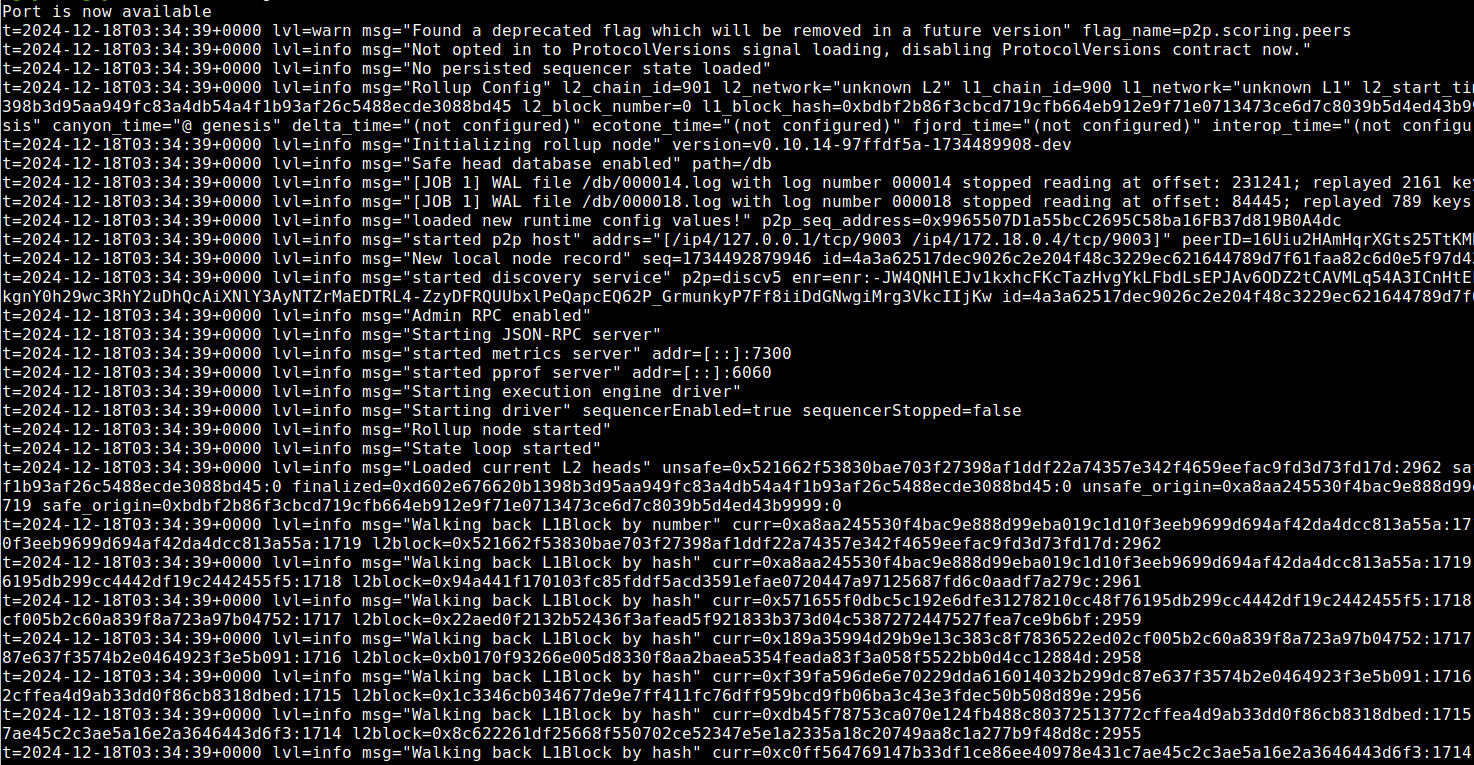
* Example command and result:
```bash
op-node \
--l1= \
--l1.fork-public-network=False \
--l2=http://0.0.0.0:8551 \
--l2.jwt-secret=jwt-secret.txt \
--sequencer.enabled \
--sequencer.l1-confs=0 \
--verifier.l1-confs=0 \
--p2p.sequencer.key= \
--rollup.config=rollup.json \
--rpc.addr=0.0.0.0 \
--rpc.port=8545 \
--p2p.listen.ip=0.0.0.0 \
--p2p.listen.tcp=9003 \
--p2p.listen.udp=9003 \
--p2p.scoring.peers=light \
--p2p.ban.peers=true \
--snapshotlog.file=snapshot.log \
--p2p.priv.path=p2p-node-key.txt \
--metrics.enabled \
--metrics.addr=0.0.0.0 \
--metrics.port=7300 \
--rpc.enable-admin \
--l1.beacon= \
--l1.trustrpc
```
* Shut down the node
The op-node process is stateless, allowing it to be terminated using any method without risk of data loss.
### op-proposer
* Start up the node
* To activate the Fault Proof System, provide the contract address of the Fault Dispute Game Factory.
* Ensure the `--allow-non-finalized` flag remains set to `false` on the mainnet (default value is `false`).
* Enable admin option.
```bash
op-proposer \
--rollup-rpc= \
--l1-eth-rpc= \
--metrics.enabled=true \
--rpc.enable-admin=true \
--game-type= \
--game-factory-address= \
--num-confirmations= \
--private-key=
```
* Shut down the node
* The node process can be terminated using any method, as it does not require a specific shutdown procedure.
### op-batcher
* Start up the node
* Example command and result:
```bash
op-batcher \
--max-channel-duration=30 \
--batch-type=1 \
--data-availability-type=blobs \
--poll-interval=1s \
--sub-safety-margin=6 \
--num-confirmations=6 \
--safe-abort-nonce-too-low-count=3 \
--resubmission-timeout=30s \
--rpc.enable-admin=true \
--metrics.enabled=true \
--private-key=
```
* Shut down the node
* We need to send this command first to the op-batcher process to stop the process gracefully.
```bash
curl -d '{"id":0,"jsonrpc":"2.0","method":"admin_stopBatcher","params":[]}' \\
-H "Content-Type: application/json" | jq
```
* Wait until the Batcher service **stops** then terminate the process:
### op-challenger
* Start up the node
```bash
op-challenger \
--game-factory-address= \
--l1-beacon= \
--rollup-rpc= \
--cannon-prestates-url= \
--l1-eth-rpc= \
--l2-eth-rpc= \
--cannon-rollup-config= \
--cannon-server= \
--num-confirmations=12 \
--datadir= \
--cannon-l2-genesis=genesis-l2.json \
--private-key=
```
* Shut down the node
The op-challenger service is stateful, so to safely stop the process, you must send a SIGINT signal to the op-challenger process.
## How to check and update services
* Check service configuration: Thanos stack’s services run by executing the binary file with configurable parameters or environment variables. So to understand the configuration, we need to check.
* The parameters
* The environment variables