# Agenda
{% hint style="warning" %}
Only the DAO committee have voting rights.
* Regular users can participate indirectly by [staking](https://www.notion.so/b059276d14e8412694c2a25da4e7b7b3?pvs=21) to a DAO committee member.
{% endhint %}
### Agenda Rules
* Propose Rules
* Anyone can create a DAO agenda.
* When creating an agenda, the agenda creator must pay 10TON as an agenda creation fee, and the agenda creation fee is burned.
* The agenda can propose anything related to the Tokamak ecosystem.
* Vote Rule
* Members can vote on the agenda and can vote for, against, or abstain.
* If two out of three members vote in favor, the agenda passes. (Vote values may change during voting.)
* Votes not cast during the voting period will be counted as abstentions.
* If a member changes before the agenda is created and voting begins, the changed member can vote.
* Even if members change after voting begins, only previous members can vote.
* Vote Period
* The period is divided into Notice Period, Voting Period, and Execute Period.
* The minimum Notice Period period is 16 days and the minimum Voting Period period is 2 days.
* The exact values for the Notice Period and Voting Period are determined when the Agenda is created and must be equal to or greater than the minimum period.
* The duration of the Execute Period is fixed at 7 days.
* After the Agenda is created and the Notice Period has passed, someone must vote to determine the Voting Period and Execute Period.
* Anyone can execute an Agenda during the Execute Period of the Agenda that has passed the vote.
### Agenda Proposal
* Run dao-community-version locally using [sample-1](https://github.com/tokamak-network/dao-community-version/tree/main/sample-1) of dao-community-version.
* After running, if you access , you will see the following
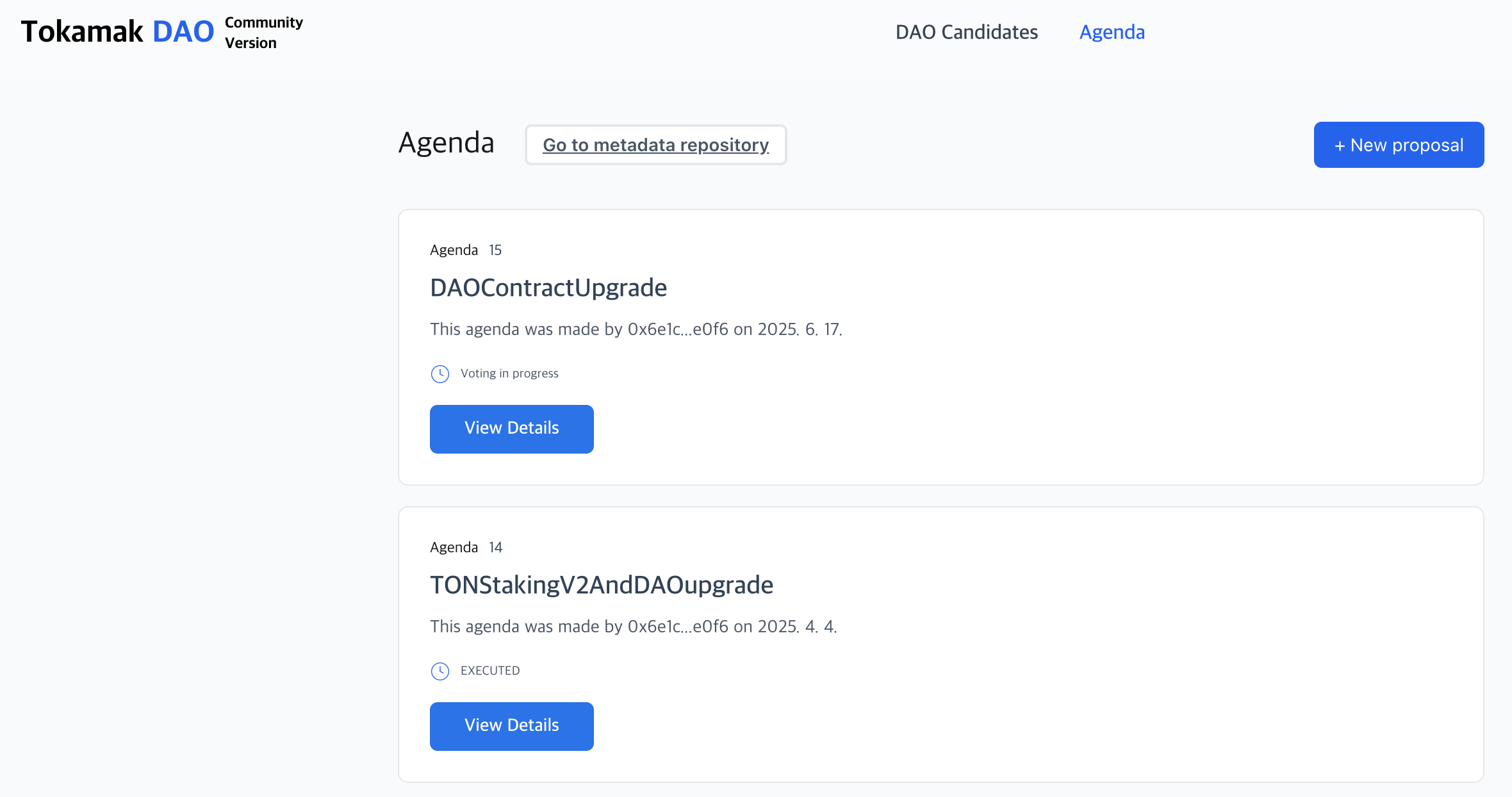
* When you click the Agenda tab, a screen like the one below will appear.
* When you click the New proposal button, the screen below will appear.
* Fill in the details related to your proposal and click the Add Action button.
* Set the address, function, and function values you want to execute, click the Add Action button, and then click the Preview & Submit button.
* Click the Submit DAO Agenda button to finalize the agenda.
### Agenda Status
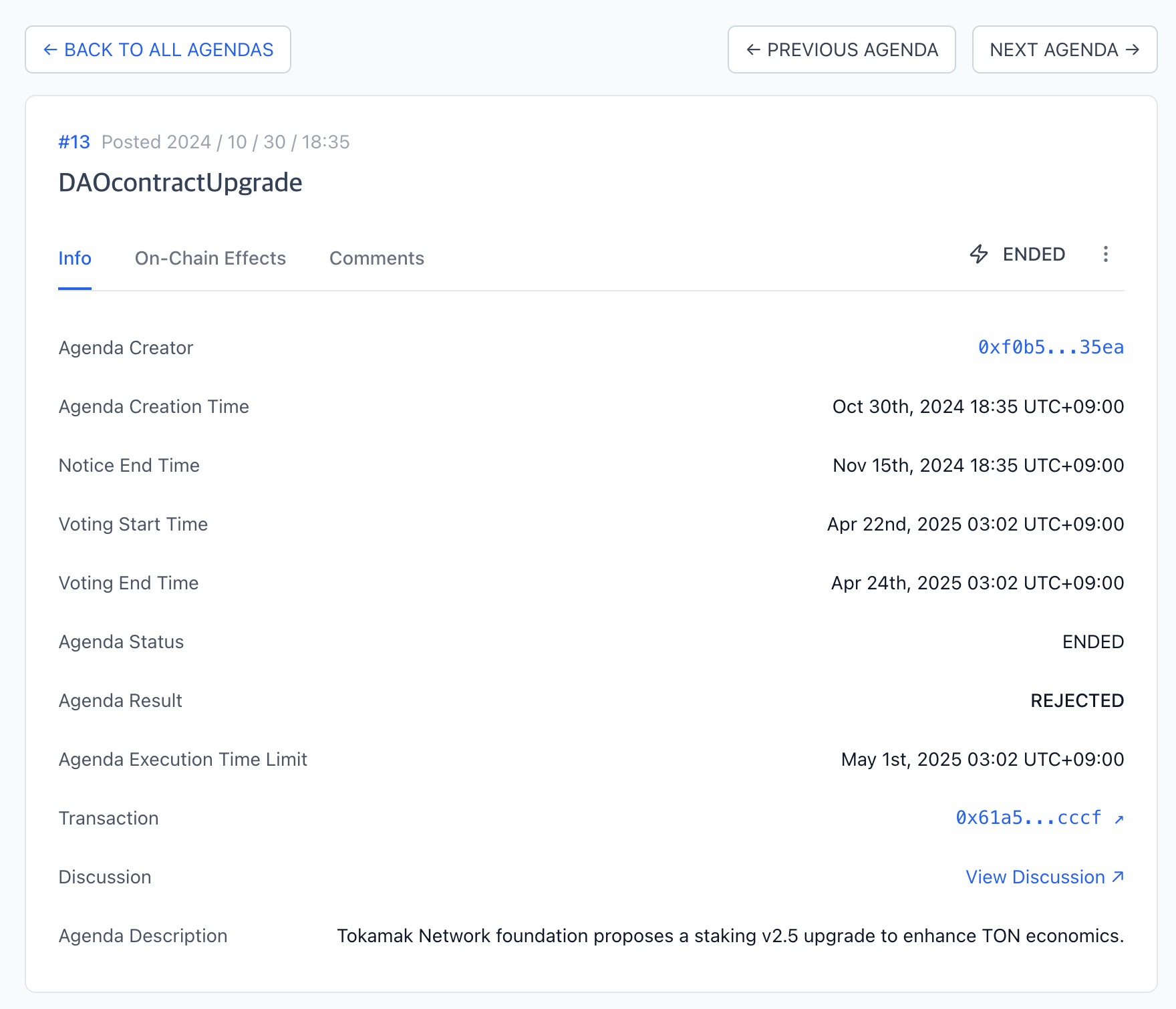
* On the Agenda screen above, click the View Details button.
* You can check information about the agenda as shown in the screenshot above.
### Agenda Vote
* On the Agenda screen above, click the View Details button.
* If the Agenda status is Voting Period and the linked wallet is a Member, you can vote by clicking the Vote button. (Voting can be done in either "Yes", "No", or "Abstain")